

01
Describe your app
Tell MonstarX what you want to build. The AI planner knows MXCloud capabilities and won't ask you to set up Supabase or Resend when the platform already provides them.
MonstarX Cloud
MXCloud provisions database, user accounts, file storage, AI, email, real-time updates, edge functions, and country data for every project — automatically. No Supabase account. No API keys in your code. Same backend in preview and production.

How it works
MXCloud is not a separate product you configure — it is built into the MonstarX builder. Enable it once; the platform handles provisioning, codegen, and administration.
01
Tell MonstarX what you want to build. The AI planner knows MXCloud capabilities and won't ask you to set up Supabase or Resend when the platform already provides them.
02
When your app needs a backend, tap "Use MonstarX Cloud instead — no key needed" in the workbench. The platform provisions your database, storage, and credentials in seconds.
03
Generated apps include src/lib/mx.ts — a dependency-free SDK wired to your project token. The same code runs in preview sandboxes and on your live deployment.
04
Browse your database, manage app users, toggle MCP country servers, and configure custom APIs — all from the MonstarX workbench without leaving the builder.
Platform services
Each service is accessed through the mx.* SDK — a single dependency-free library injected into every cloud-enabled app. Toggle MonstarX Cloud in the workbench; credentials and infrastructure follow automatically.
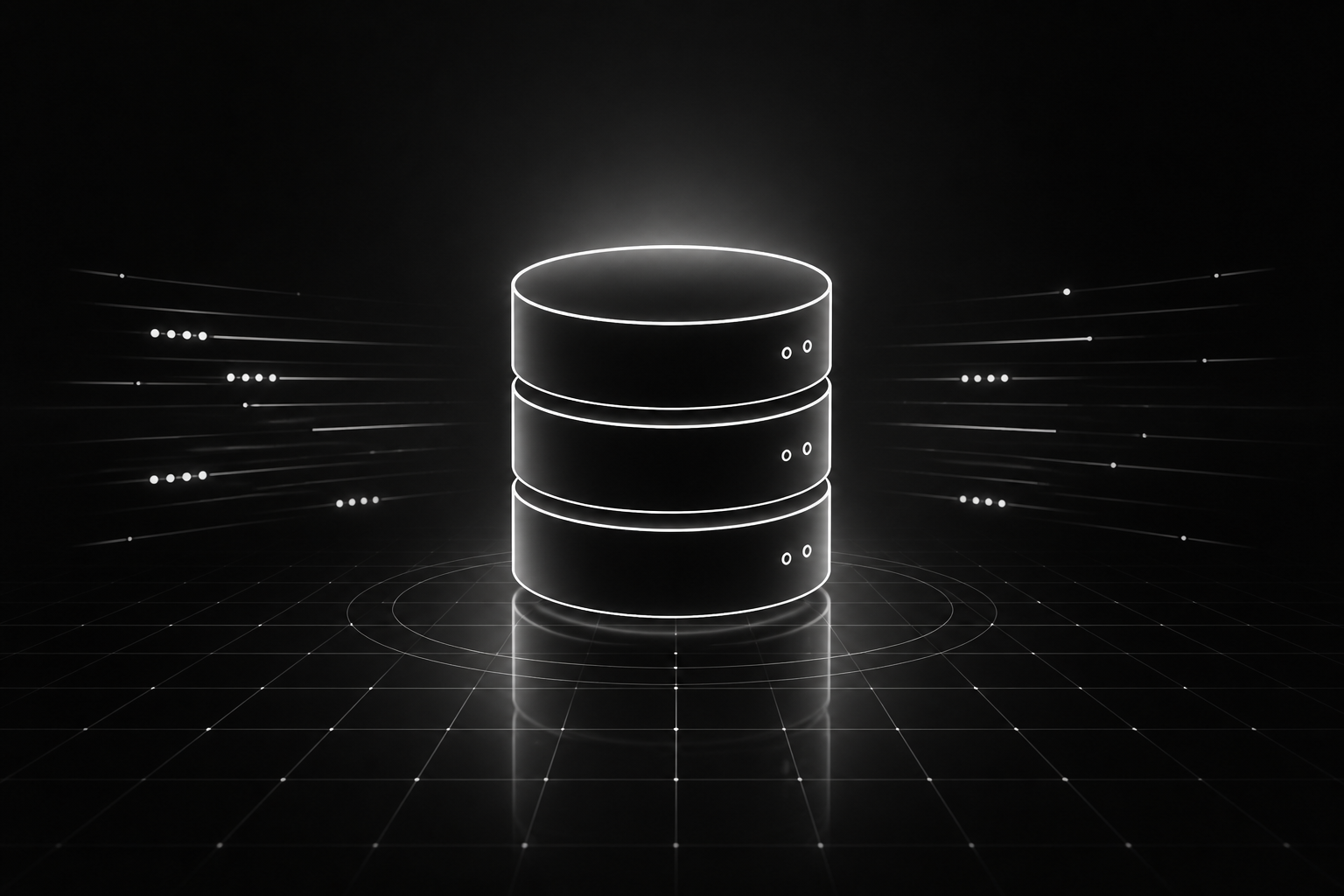
Managed SQL, provisioned per project
Every cloud-enabled app gets its own isolated SQL database — created automatically when you enable MXCloud. No connection strings to copy, no region to pick, no vendor account to create. Your generated app runs schema bootstrap on first load and persists data through a simple query API.
Replaces optional BYO: Supabase
import { mx } from '@/lib/mx';

const { results } = await mx.db.query(
  'SELECT * FROM bookings WHERE date >= ? ORDER BY date',
  [today]
);
Real auth for your app's end users
Give your generated app real user accounts — registration, login, sessions, and password reset — without wiring Firebase or Supabase Auth. End-user accounts are separate from your MonstarX builder login. Sessions are handled by the platform; your app receives tokens and user profiles through the mx.auth SDK.
const session = await mx.auth.login({
  email: '[email protected]',
  password: '••••••••',
});

// Current user anywhere in the app
const me = await mx.auth.me();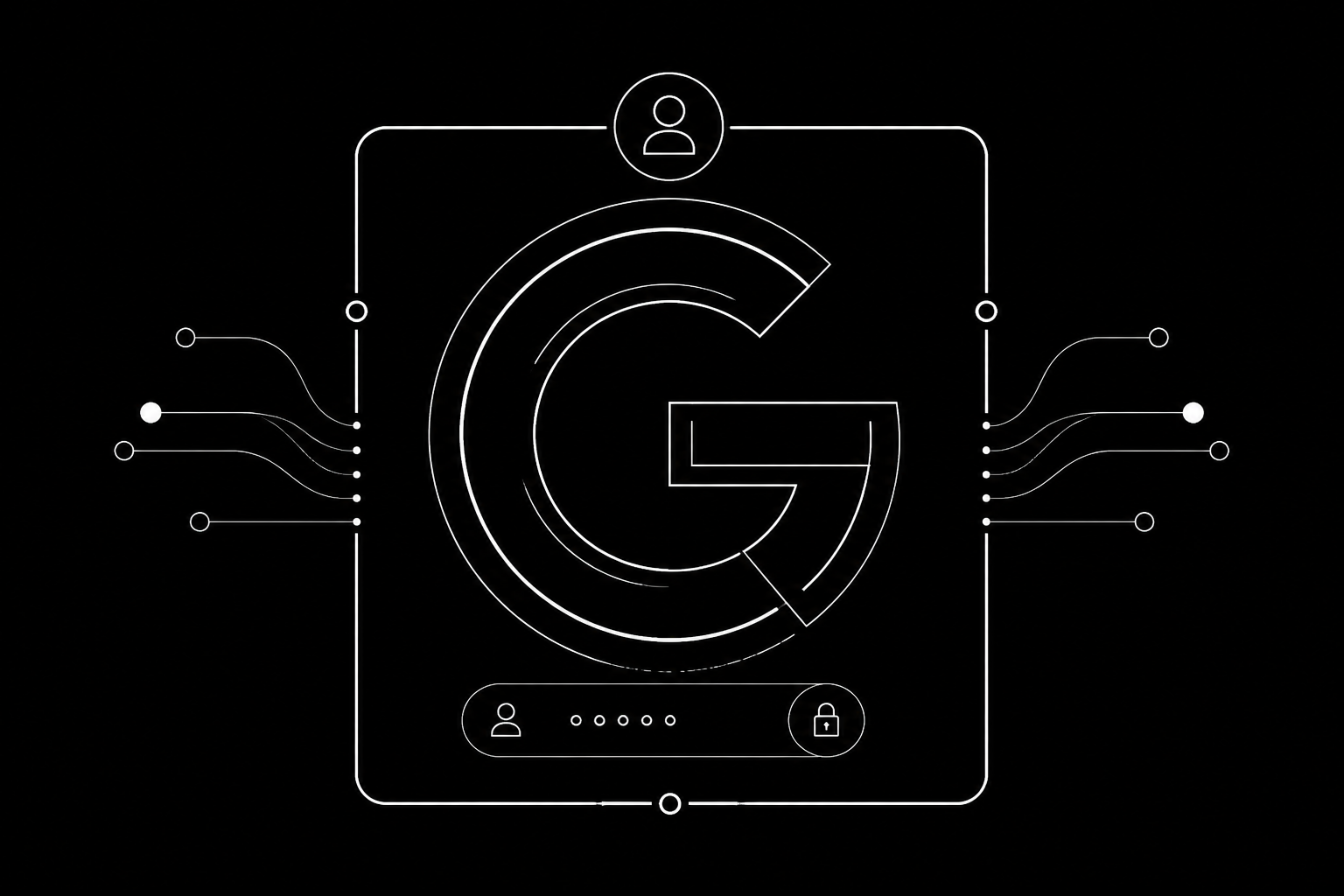
One-click login with the platform Google app
Let users sign in with Google using MonstarX's own Google application — no Google Cloud project, no OAuth client ID, no redirect URI configuration. When a Google email matches an existing account and Google reports it verified, accounts link automatically.
Replaces optional BYO: Google OAuth connector
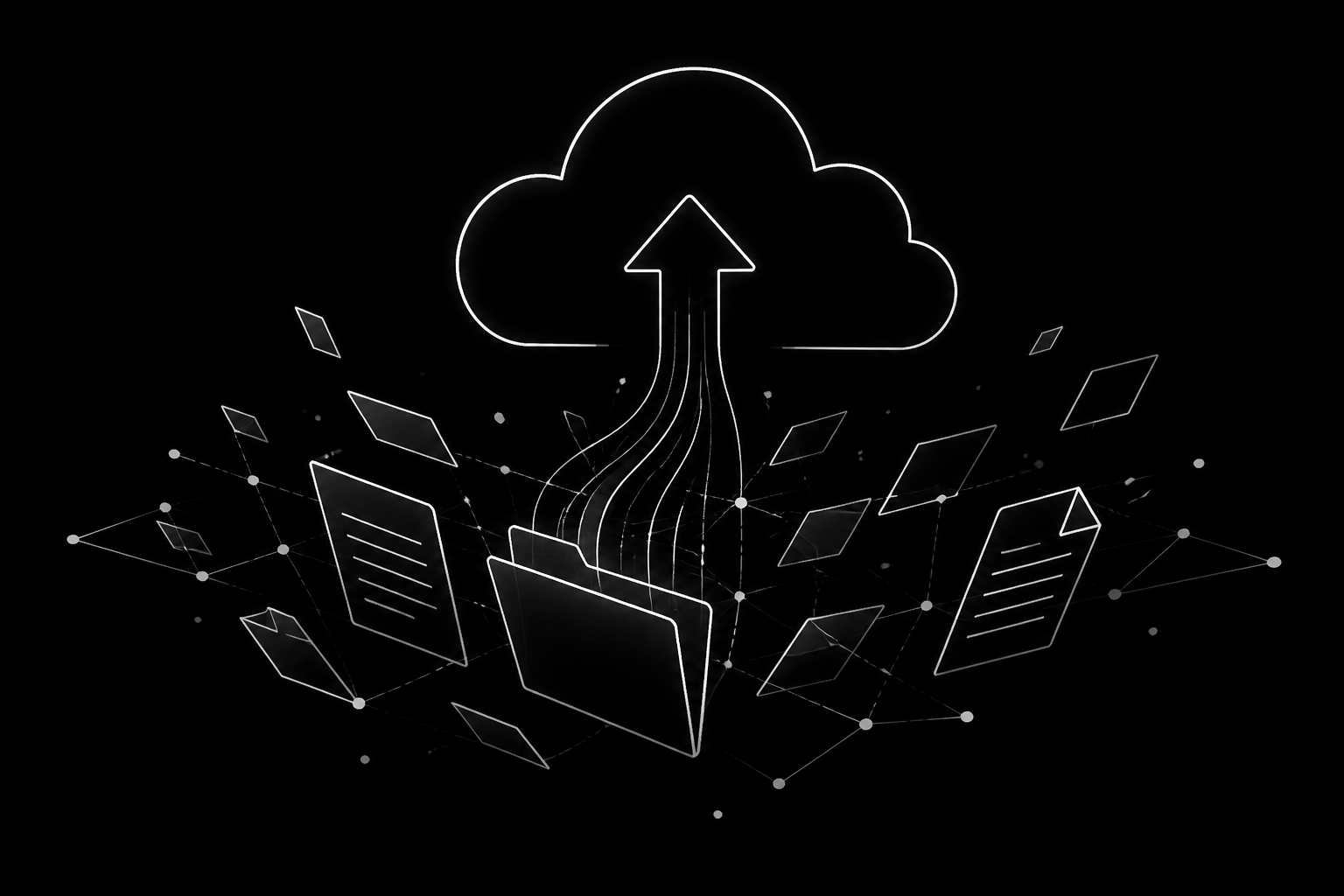
Uploads and public URLs without a bucket
Store files for your app — uploads, avatars, documents, and media — with per-project isolation. The platform handles storage infrastructure; your app gets upload endpoints and public file URLs through mx.storage.
const { url, path } = await mx.storage.upload({
  file: selectedFile,
  folder: 'avatars',
});
LLM chat through platform credits
Add intelligent features to your app — chat, summarization, classification, content generation — without embedding your own API keys. MXCloud routes requests through the platform's model pool and bills against your MonstarX credits.
Replaces optional BYO: Anthropic, OpenRouter, OpenAI
const reply = await mx.ai.chat({
  messages: [
    { role: 'user', content: 'Summarize this feedback…' },
  ],
});
Transactional email from your app's name
Send transactional email — welcome messages, password resets, order confirmations, notifications — from your generated app without a Resend or SendGrid account. Recipients do not need a MonstarX account; volume is limited, not identity-limited.
Replaces optional BYO: Resend
await mx.email.send({
  to: user.email,
  subject: 'Your booking is confirmed',
  html: '<p>See you on Tuesday at 2pm.</p>',
});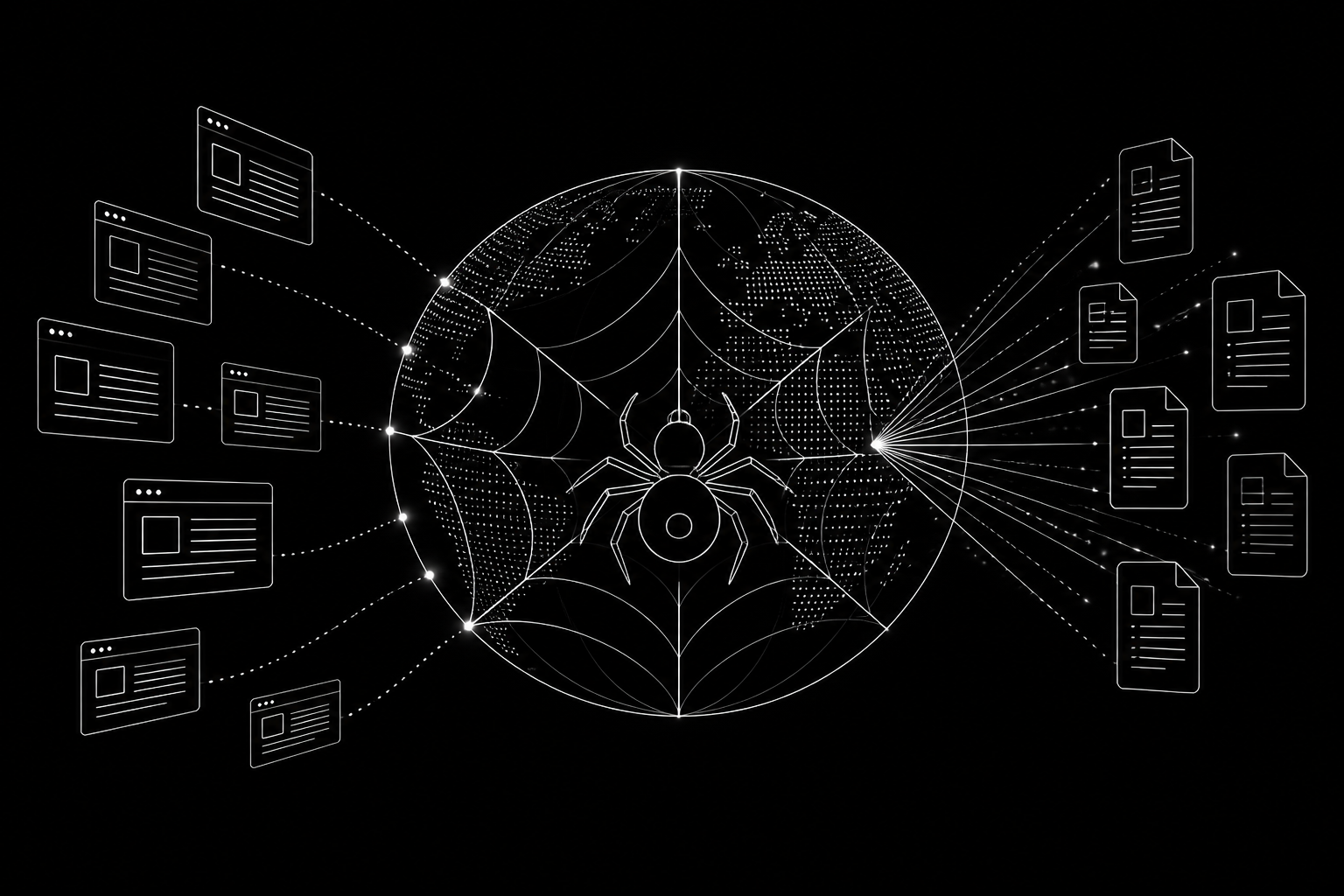
Read and extract public web pages
Let your app fetch and extract content from public URLs — product pages, articles, listings — through the platform crawler. No headless browser infrastructure to maintain; the gateway handles fetch, extraction, and safe delivery back to your app.
const page = await mx.crawl({
  url: 'https://example.com/product/123',
});
// page.text, page.title, extracted metadata
Addresses to coordinates, maps without keys
Geocode addresses to coordinates and reverse-geocode coordinates to places through mx.map. Basemaps in generated apps use Leaflet and OpenStreetMap — no map API key required. For 3D terrain and custom cartography, connect Mapbox as a BYO connector.
Replaces optional BYO: Google Maps (geocoding)
const { lat, lng } = await mx.map.geocode({
  address: '9 Straits View, Singapore',
});
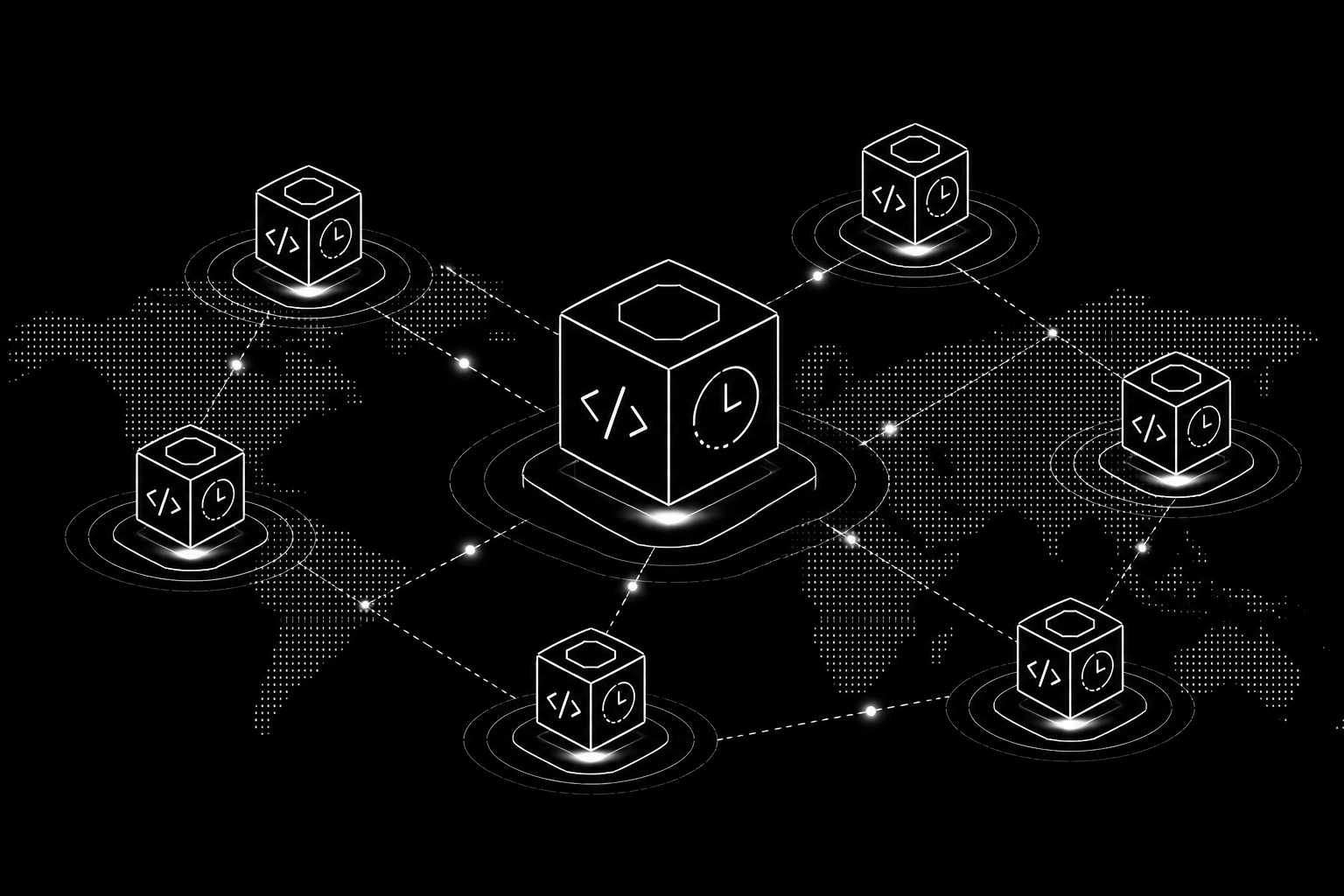
Live updates across every open tab
Push live updates to every connected client when project data changes — no polling loops. mx.realtime delivers change notifications when tables update and supports ephemeral publish/subscribe channels for presence, typing indicators, and collaborative features.
const channel = mx.realtime.connect();
channel.subscribe('bookings', () => {
  refetchBookings();
});
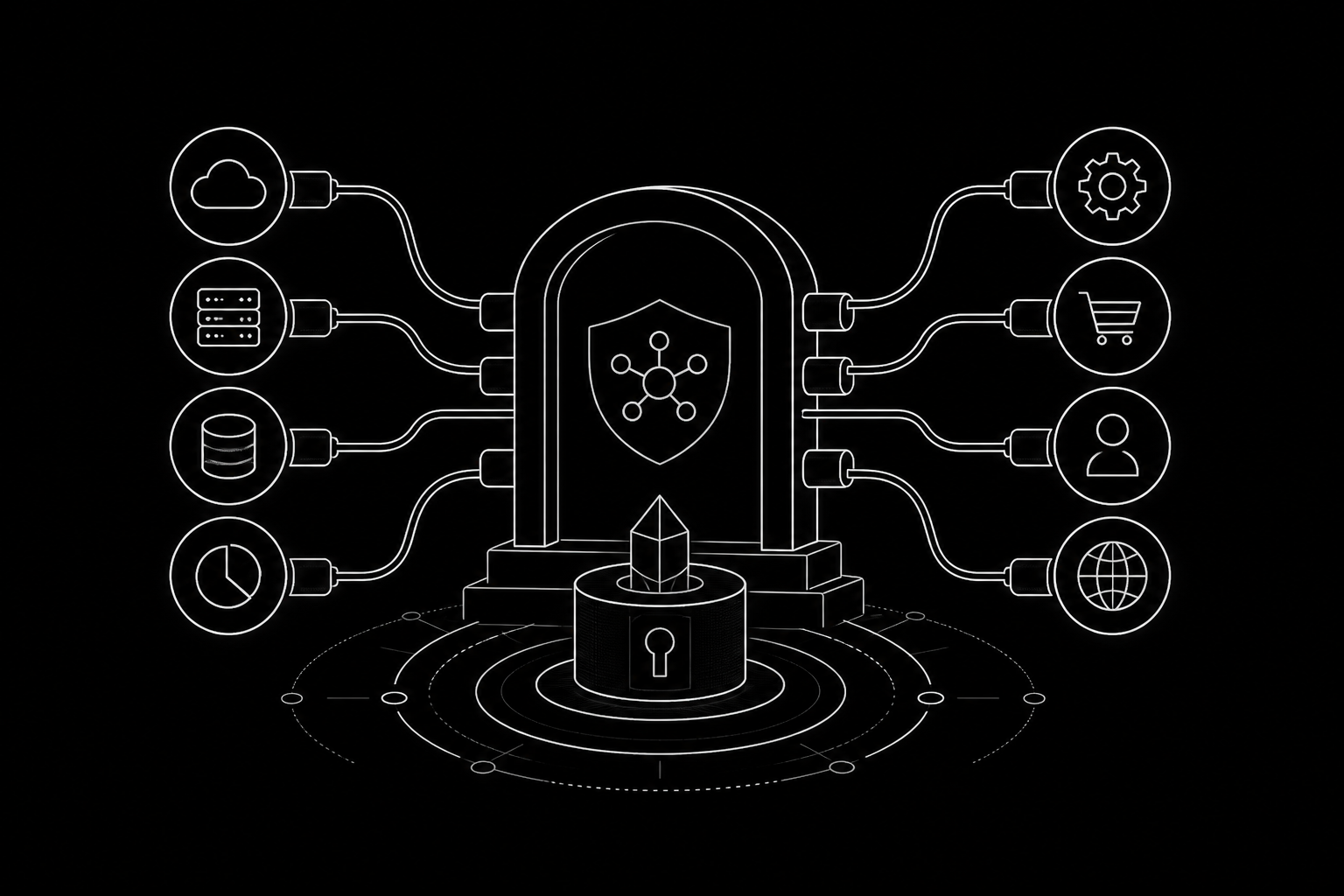
Scheduled jobs, webhooks, and table hooks
Declare server-side behavior the platform runs for you — scheduled cron jobs, inbound webhook endpoints for Stripe and form services, and table hooks that fire when rows change. Functions are declared in a structured config file from a closed action vocabulary; the platform executes them at the edge.
// .monstarx/functions.json
{
  "hooks": [{
    "table": "orders",
    "on": "insert",
    "action": "email:notify-admin"
  }]
}
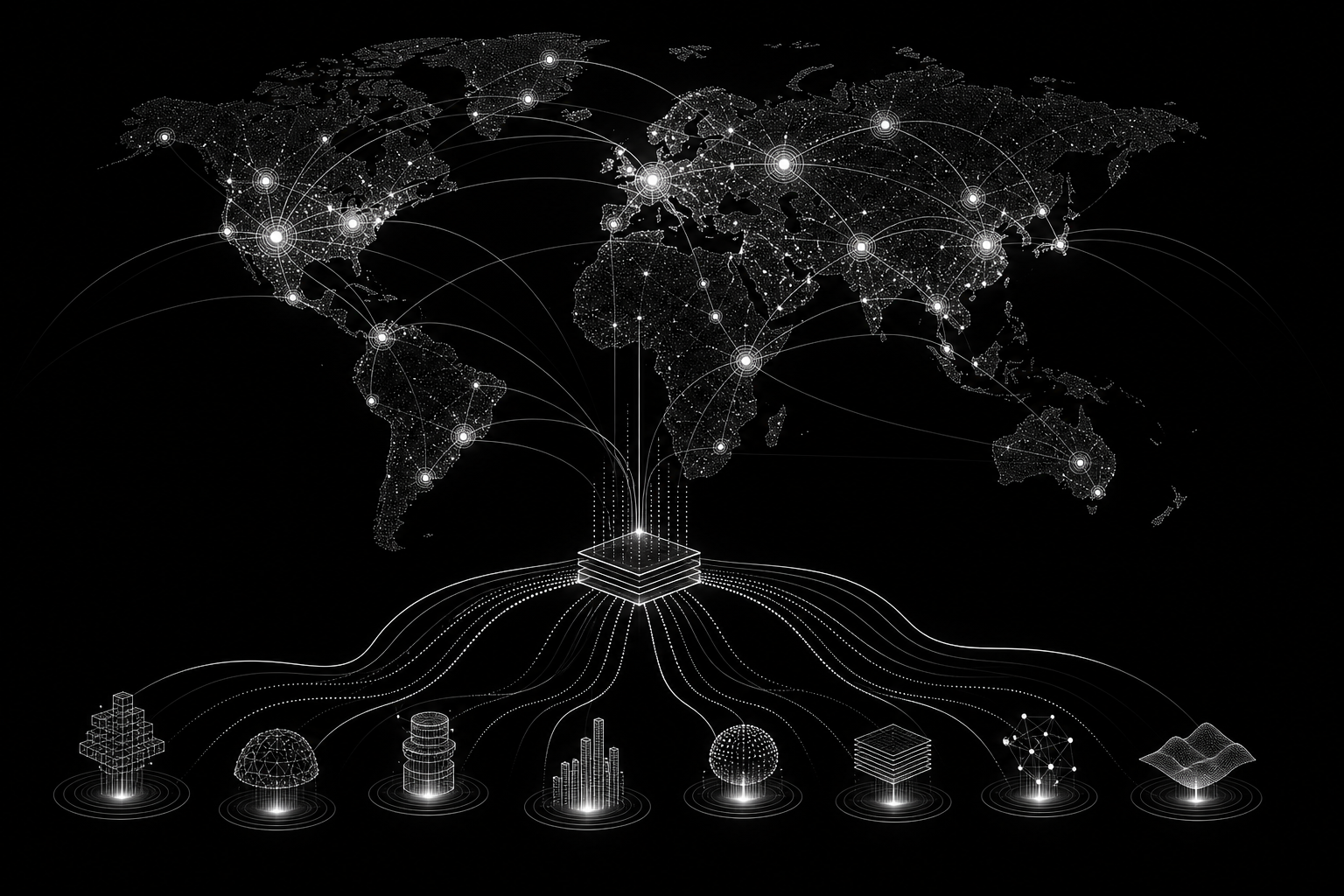
Call third-party REST APIs with keys held by the platform
Connect long-tail REST APIs — video generation, your own backend, niche SaaS tools — by declaring the service and API key in the workbench. Your app calls mx.api.call(); the gateway performs the request server-side with the key injected. Keys never ship in the client bundle.
const result = await mx.api.call('my-backend', {
  path: '/v1/reports/weekly',
  method: 'GET',
});
Live government & civic datasets — Asia-Pacific first
Access live country-specific datasets — weather, transit, air quality, company registry, carpark availability, and more — through MCP servers proxied by MXCloud. MonstarX is Singapore-based; our deepest coverage spans Southeast and South Asia, with dedicated servers per market.
Bus arrivals · Weather · Air quality · Company registry
Playground →Weather · Transit · Geocoding · Civic data
Playground →Weather · Geocoding · Public datasets
Playground →Weather · Geocoding · Company search · Civic APIs
Playground →Weather · Geocoding · Regional data
Playground →Weather · Geocoding · Public datasets
Playground →Weather · Geocoding · Regional data
Playground →Weather · Transit · Civic data
Weather · Geocoding · Public datasets
const weather = await mx.mcp.call('sg', 'sg_weather_2h', {});Architecture
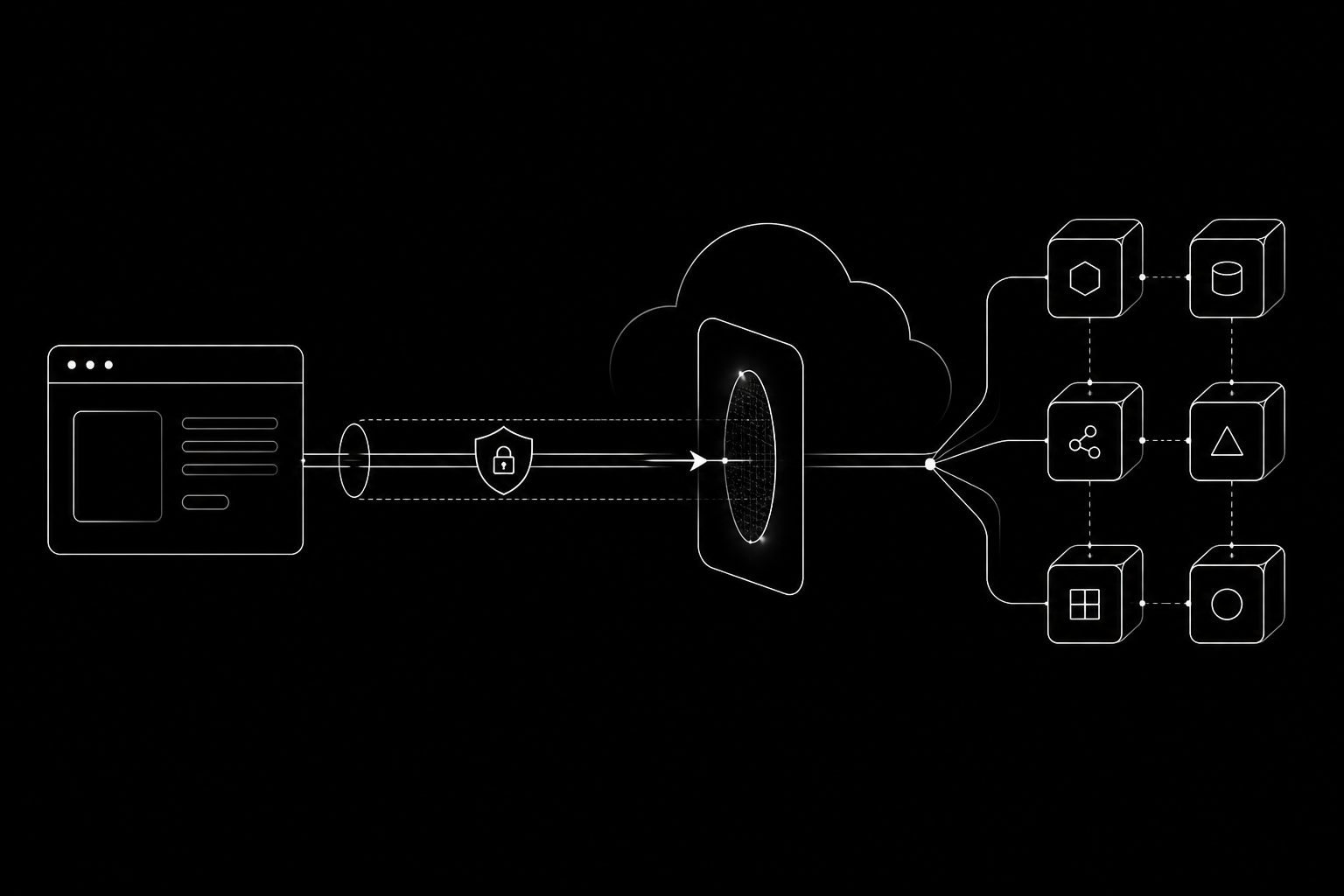
Generated apps call the MXCloud gateway over HTTPS — in E2B preview sandboxes and on deployed Workers alike. There are no environment-specific backend rewrites. Your project token authenticates every request; the gateway resolves your isolated database and storage from that token alone.
SDK
Cloud-enabled apps ship with src/lib/mx.ts — injected by the platform, dependency-free, and wired to your project credentials. You never edit it by hand.
// MonstarX Cloud SDK — do not edit by hand.
import { MX_GATEWAY_URL, MX_PROJECT_TOKEN } from './mx-config';

export const mx = {
  db:      { query: (sql, params) => ... },
  auth:    { register, login, logout, me, ... },
  storage: { upload, file, list, sign, ... },
  ai:      { chat, stream, ... },
  email:   { send, ... },
  crawl:   { ... },
  map:     { geocode, reverse, ... },
  realtime:{ connect, subscribe, ... },
  api:     { call, ... },
  mcp:     { call, ... },
};
Bring your own
Some services must stay in your account by design. MXCloud handles infrastructure; you keep control of money, SMS identity, and advanced map styling.
Your revenue must settle into your own Stripe account. MXCloud never holds customer payments.
Connector: StripePer-message cost and sender identity belong to you. Connect Twilio with your own account.
Connector: Twilio3D terrain and custom cartography need Mapbox. Standard maps use OpenStreetMap at no extra cost.
Connector: MapboxComparison
FAQ
No. Your MonstarX account (Clerk) is for building apps on the platform. mx.auth creates accounts inside your generated app for your end users — customers, members, or team users of the product you built.
Not when MXCloud is enabled. Database and user accounts are provisioned automatically. You can still bring your own Supabase connector if you prefer full control over your data layer.
Yes. Generated apps call the MXCloud gateway over HTTPS in both E2B preview and deployed Workers. Your backend behavior is identical — no "works in dev, breaks in prod" surprises.
Yes. Each project gets its own database and storage namespace. Tokens are scoped to a single project; the gateway resolves resources from the token — there is no cross-tenant parameter.
Project tokens and BYO connector keys are held server-side by the platform. Generated client code uses the mx SDK; keys for custom APIs are injected by the gateway at request time, not embedded in the browser bundle.
MXCloud deliberately does not hold your revenue or send SMS on your behalf. Connect Stripe for payments and Twilio for SMS with your own accounts — the workbench guides you through setup.
Enable MXCloud in the MonstarX workbench and ship database, auth, storage, AI, and more — without configuring a single vendor account.